Who can use this
- Users reviewing their own sent activity.
- Template owners looking for safe example language.
- Managers checking sent-state and follow-up history when permitted.
Before you start
- Connect the sender’s email account.
- Confirm you are viewing the correct user scope when org-wide draft access is enabled.
- Decide whether you need a sent draft from Ergo or a provider sent-email example.
Steps
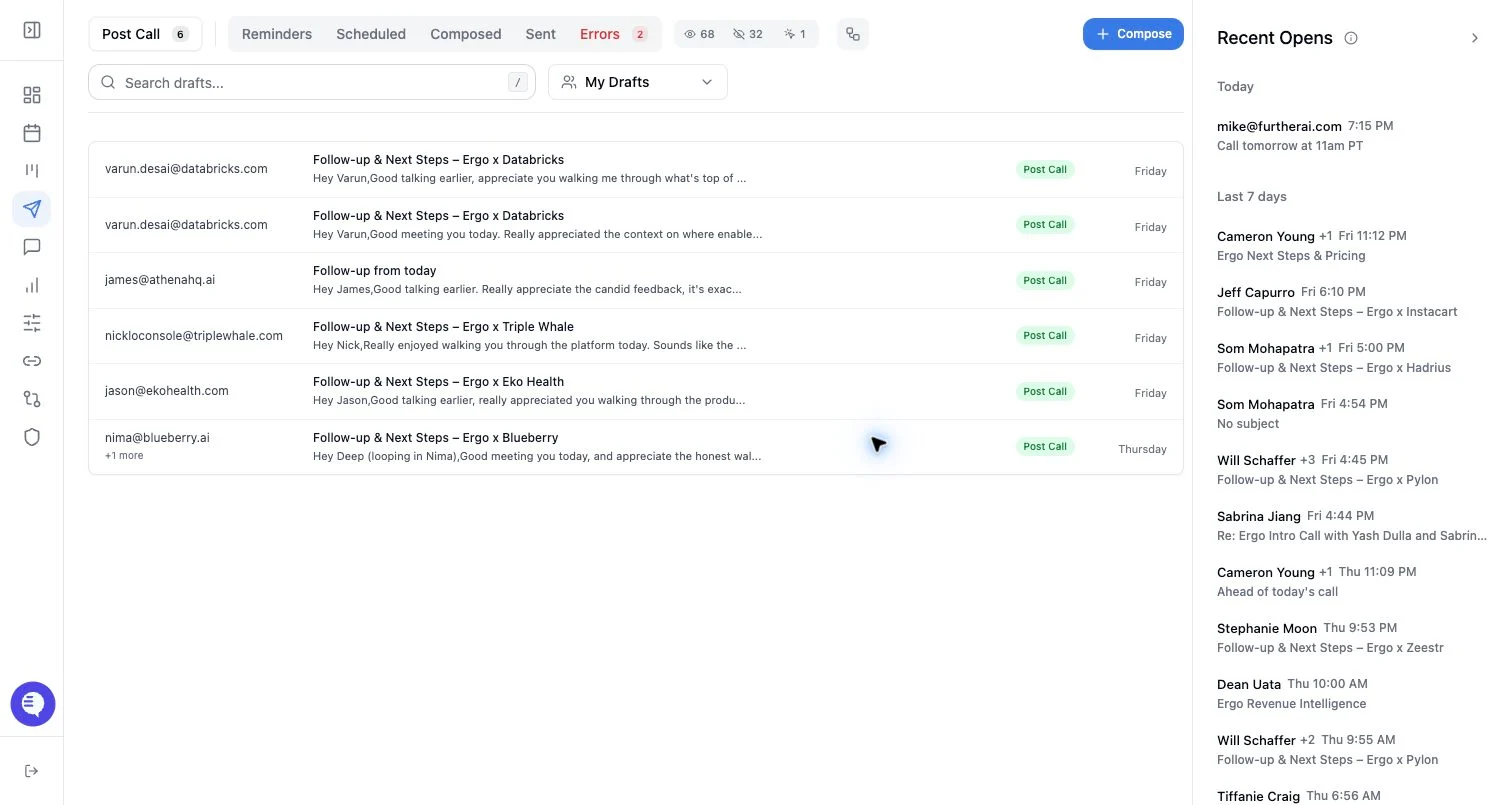
- Open Drafts and select Sent for emails sent through Ergo.
- Use tracking filters if you are reviewing sent/open activity.
- For template work, use the sent email picker when available.
- Search or page through available sent emails.
- Open a thread to inspect messages before using an example.
What to expect
- Sent draft records can include sent time, pending state, recipient fields, and open-tracking fields.
- The sent email picker can search recent sent email and fetch thread messages from the connected provider.
- Provider history, permissions, and pagination affect what appears.
- Sent examples should be generalized before becoming templates.
Common issues
- Email is disconnected or the grant is expired.
- The message was sent outside Ergo and does not appear in the Ergo sent-drafts list.
- Search terms are too narrow.
- A sent example contains private details and should not be reused directly.