Who can use this
- Reps reviewing recently sent emails.
- Managers checking sent email activity patterns.
Before you start
- Send the email through Ergo.
- Wait for sent-state and tracking data to update.
- Confirm open tracking is enabled for your workspace and sender.
Steps
- Open Drafts.
- Go to the Sent queue.
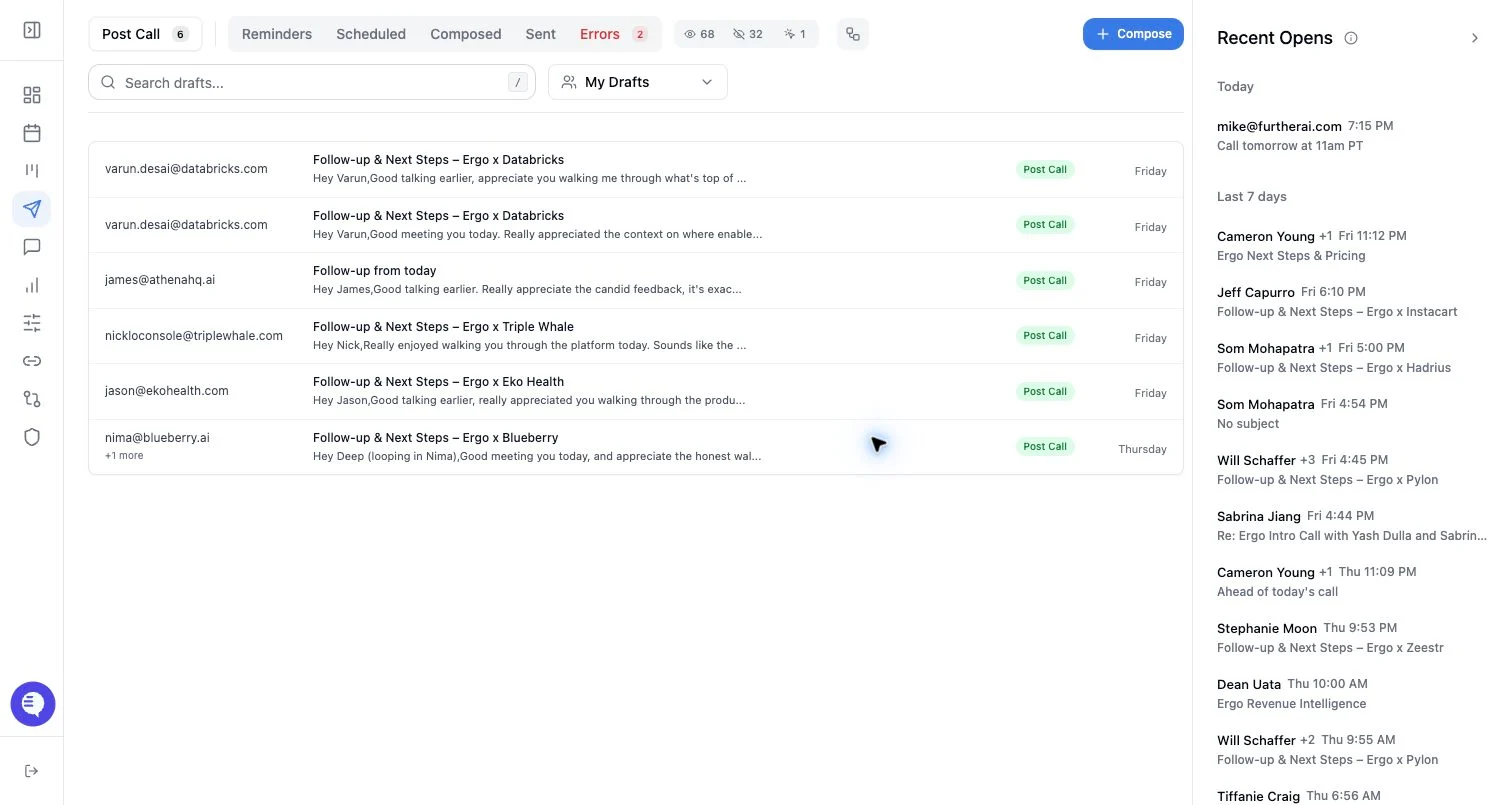
- Use tracking filters such as opened, unopened, or opened today.
- Open the recent opens rail or sent-flow view when available.
- Use the sent record to decide whether follow-up is appropriate.
What to expect
- Sent records can include sent time, pending state, open count, first open, and last open.
- Open tracking can show that an email was opened and when the latest open was detected.
- Open tracking is pixel-based and can be blocked or inflated by email clients, proxies, previews, or security scanners.
- Do not assume tracking identifies the exact recipient who opened an email.
- Scheduled sends and provider updates can lag before sent or open data appears.
Common issues
- No opens are detected because the recipient’s client blocks tracking pixels.
- An internal preview or security scanner causes an open event.
- A scheduled email has not reached final sent-state yet.
- Tracking filters hide the email you expect to see.