Who can use this
- Reps working through multiple selected drafts.
- Managers coaching teams on high-volume review workflows.
Before you start
- Confirm the selected draft set is correct.
- Review your workspace’s policy for send, schedule, dismiss, and disqualify actions.
- Avoid using shortcuts until you know which draft is active.
Steps
- Open the deal or workflow that launches Go Mode.
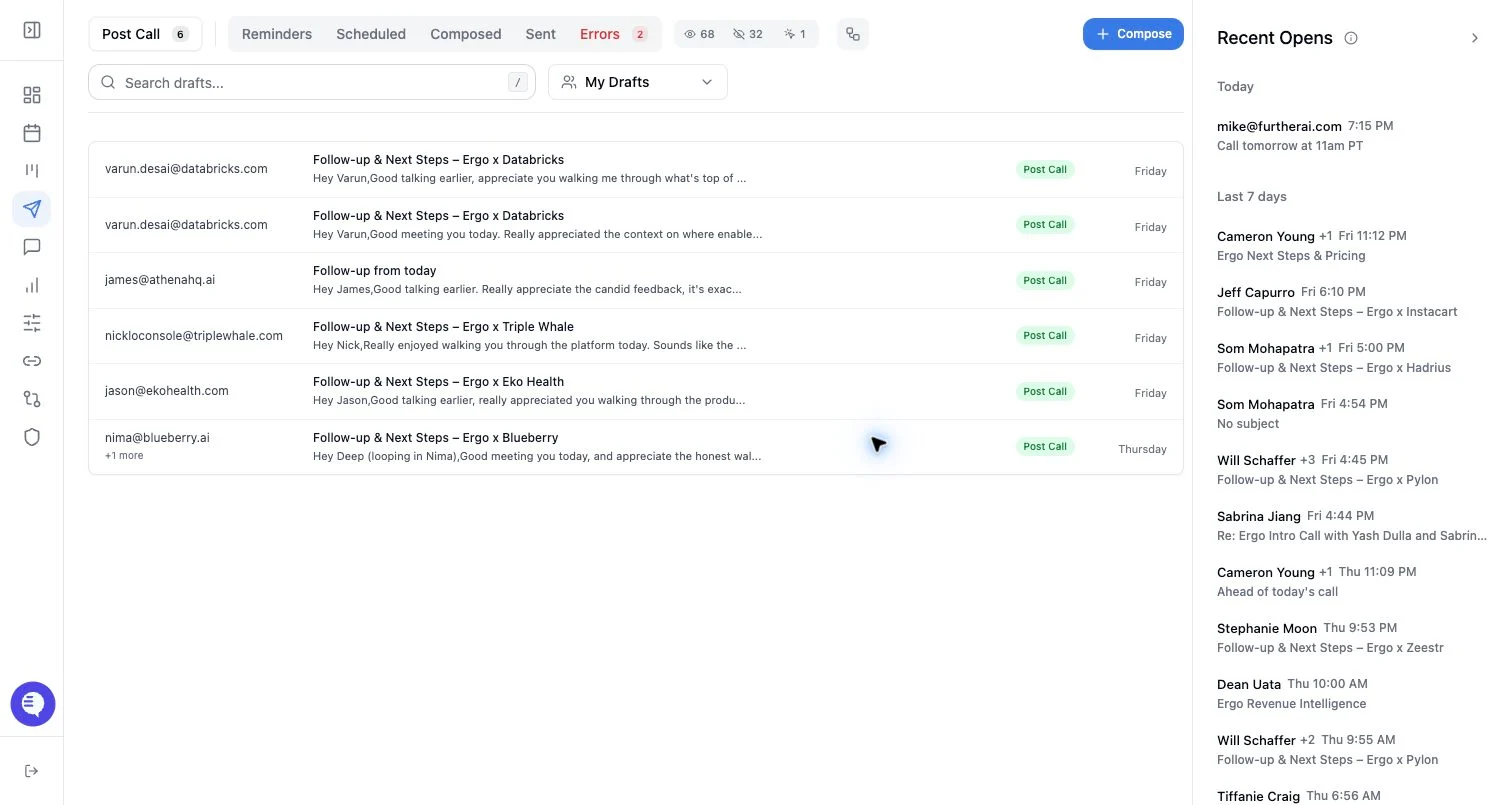
- Confirm the selected drafts in the Go Mode review set.
- Review the first active draft.
- Send, schedule, edit, reprompt, dismiss, or disqualify based on the visible draft.
- Move to the next draft only after the current draft is handled.
What to expect
- Go Mode can auto-open a selected draft set from URL state.
- Drafts in Go Mode still use the same send, schedule, dismiss, and validation behavior as normal drafts.
- Keyboard shortcuts can speed up review, but labels and shortcuts should be confirmed in the current UI before training a team on them.
- Go Mode is not proof that every selected draft should be sent.
Common issues
- The selected set includes stale or wrong-recipient drafts.
- A user sends too quickly without checking thread context.
- A disqualify action is used when dismissing or editing would be safer.
- Some selected drafts no longer exist because they were sent, dismissed, or moved.