Who can use this
- Users retrying failed draft sends.
- Admins and RevOps teams investigating recurring draft failures.
Before you start
- Read the failure message shown in Ergo.
- Check email access, recipient fields, subject, body, attachments, and thread choice.
- Fix the underlying issue before retrying.
Steps
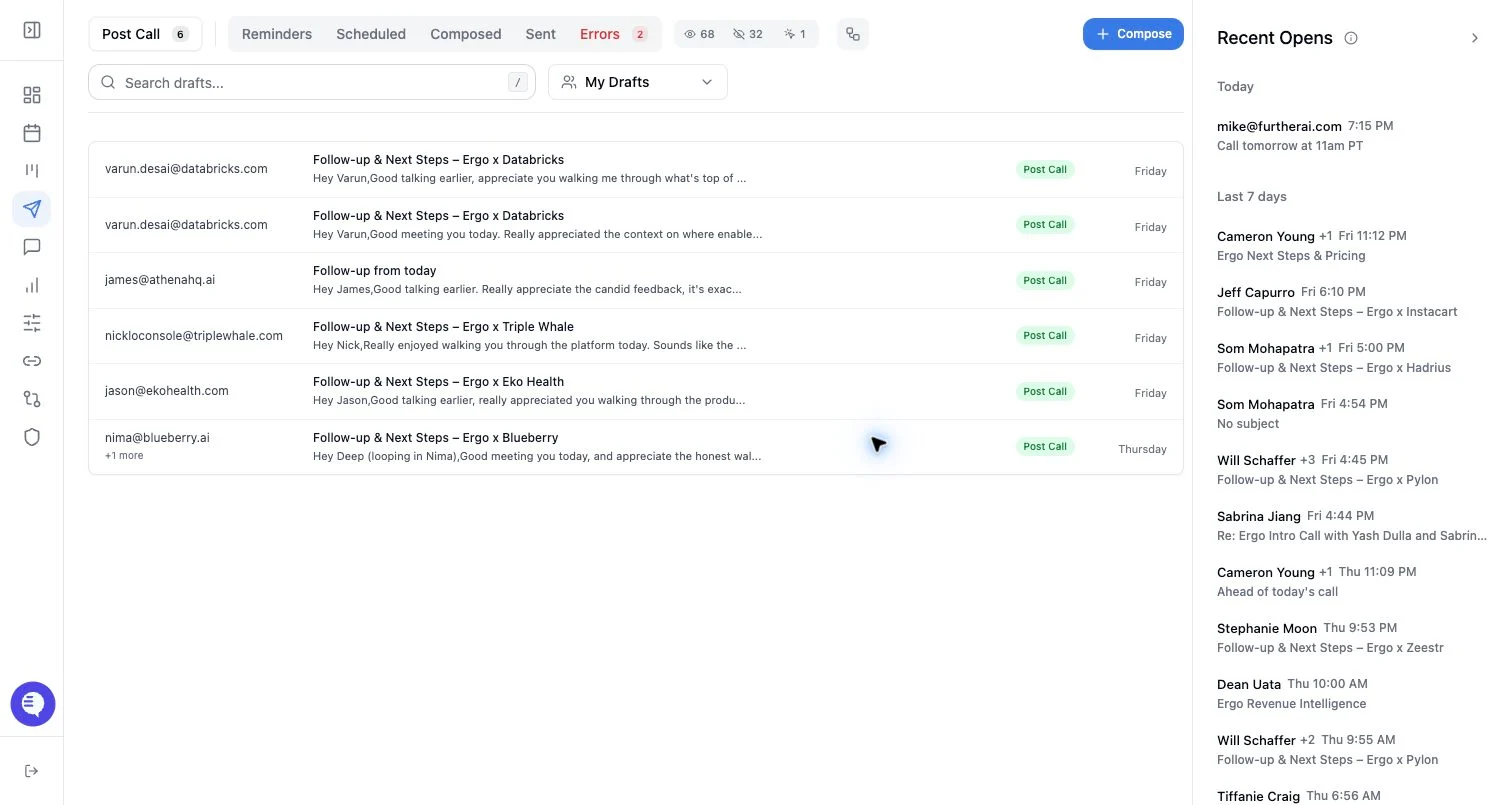
- Open Drafts.
- Go to the failed/error queue if it is visible.
- Open the failed item and review the error details.
- Fix missing or invalid draft fields.
- Retry the action when the cause is clear and corrected.
- Report the issue with the draft ID, user, time, provider, and failure message if the retry fails again.
What to expect
- Failure causes vary. Do not treat any public list as exhaustive.
- Retry may send the same draft, regenerate parts of it, or rerun a failed workflow depending on the failure type.
- A retry can fail again if the provider grant, validation issue, or source data problem remains.
- Some failures require admin or support intervention.
Common issues
- Email grant is expired.
- Recipient, subject, body, or sender is invalid.
- Attachment or inline image limits are exceeded.
- The selected thread cannot be used for the message.
- The draft source data is incomplete or unavailable.