Who can use this
- Reps checking why a follow-up draft did or did not appear.
- Managers and admins tuning draft workflows, templates, and source settings.
Before you start
- Confirm the user’s email, calendar, and meeting sources are connected.
- Confirm the meeting or deal belongs to a workflow that creates drafts.
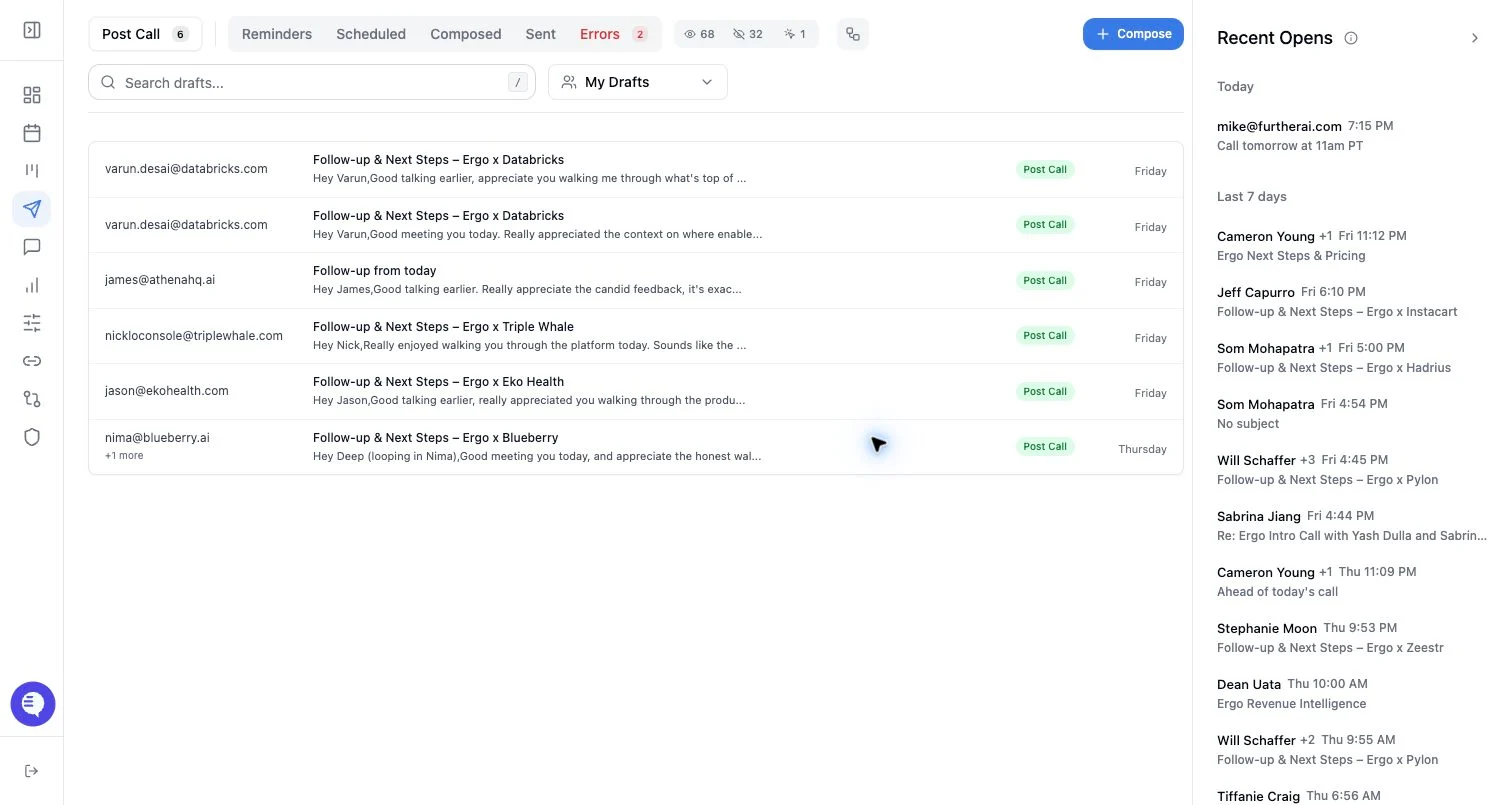
- Check whether the draft is in another queue, such as Reminders, Scheduled, Composed, or Errors.
Draft sources
- Post-call drafts are created from qualifying recorded meetings after the meeting has enough processed context.
- Surfacing drafts are proactive follow-up drafts for deal activity that Ergo evaluates as needing outreach.
- Composed drafts are created manually or from Ergo Chat-style compose actions.
- Go Mode drafts can be opened as a selected review set from a deal or bulk workflow.
- Retried failed drafts are regenerated or resent from the failure flow.
Dismiss a draft
- Open the draft from the relevant queue.
- Choose the dismiss/discard action if the email should not be sent.
- Use undo if Ergo shows an undo option and you dismissed by mistake.
- If the associated opportunity should be closed out, use a disqualification flow only when that matches your team’s CRM process.
What to expect
- AI relevance checks and meeting processing are best-effort rules.
- A missing draft can mean the source was disconnected, the meeting did not qualify, processing has not completed, or the workflow decided not to create one.
- Dismissing a draft removes it from the active review queue. It does not send an email.
- New activity can make an older draft stale; refresh or regenerate instead of sending stale context.
Common issues
- Draft generation is disabled or the meeting did not qualify.
- Email grant is stale.
- The draft was already dismissed, sent, scheduled, or moved to a reminder queue.
- The AI created a draft, but it is attached to a different deal, meeting, or thread than expected.