Who can use this
- Admins and RevOps teams evaluating advanced draft automation.
- Managers deciding whether a narrow workflow is safe to send without manual review.
Before you start
- Confirm the exact workflow where auto-send is being considered.
- Confirm the template, recipients, sender, and timing rules are safe.
- Review legal, compliance, and customer-communication expectations for your team.
- Decide how failures, replies, and exceptions will be monitored.
Steps
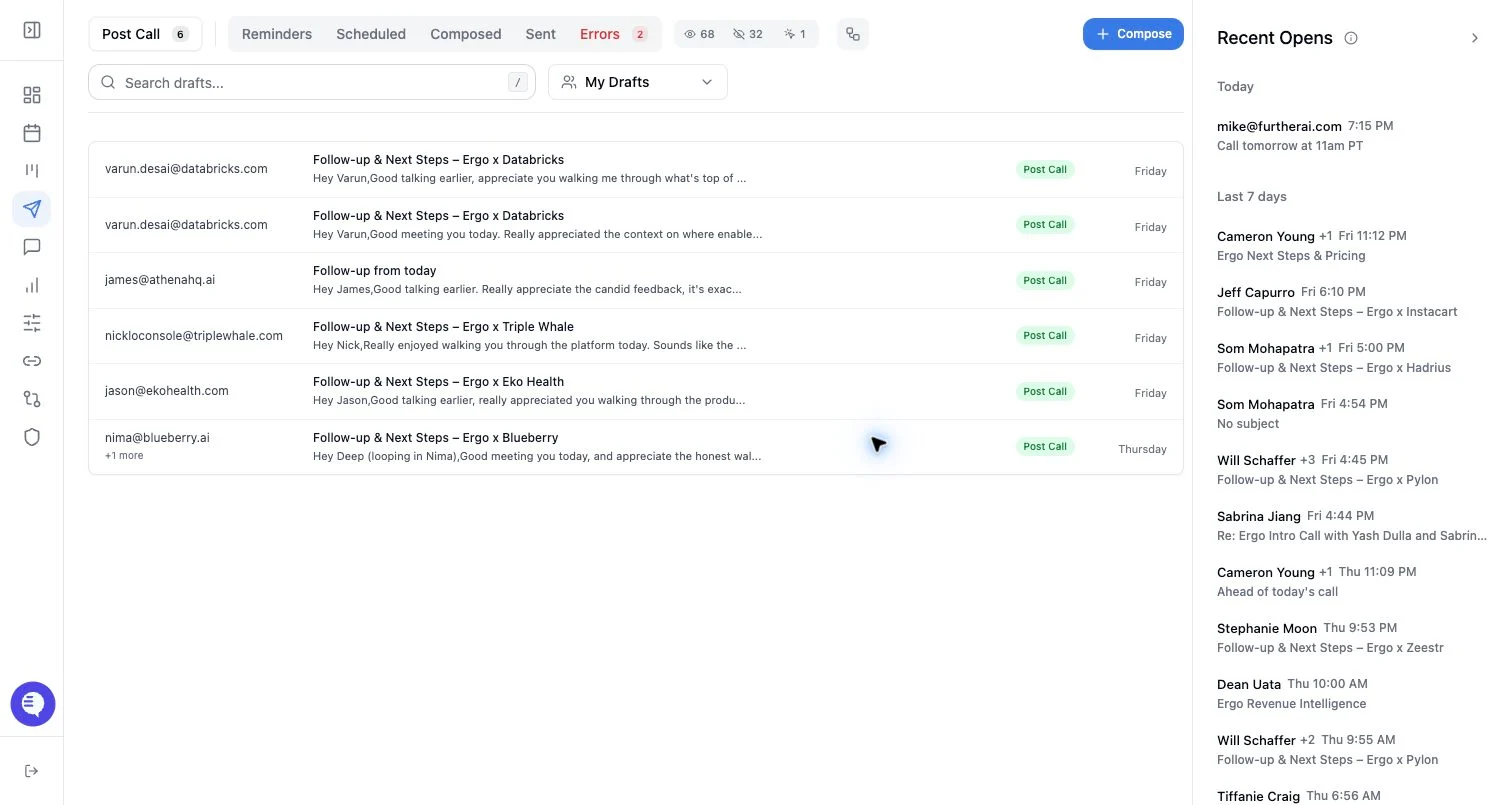
- Start with draft creation enabled but manual review required.
- Review a sample of generated drafts for accuracy, tone, recipients, and thread choice.
- If your workspace exposes auto-send controls, enable them only for the approved scope.
- Monitor sent emails, open tracking, replies, and failures after enabling.
- Disable auto-send if draft quality, routing, or provider reliability changes.
What to expect
- Auto-send should not be described as the default behavior.
- Draft creation, scheduling, and auto-send are separate concepts.
- Auto-send scope can be narrower than all draft sources; do not assume every draft type supports it.
- Existing drafts may not be affected by a setting change unless the current UI explicitly says they are.
Common issues
- A team assumes enabling post-call drafts also enables auto-send.
- Auto-send is enabled before templates and sender settings are stable.
- A workflow sends to the wrong thread because context was not reviewed during rollout.
- Failures are not monitored after automation is enabled.