Who can use this
- Sales reps, account owners, managers, RevOps, and admins working from pipeline and account context.
Before you start
- Connect CRM and complete field mapping before relying on CRM writeback.
- Check pipeline, view, filter, ownership, and record matching before assuming a record is missing.
- Confirm Deals access is enabled for your workspace; contact your admin or Ergo support if you do not see it.
Steps
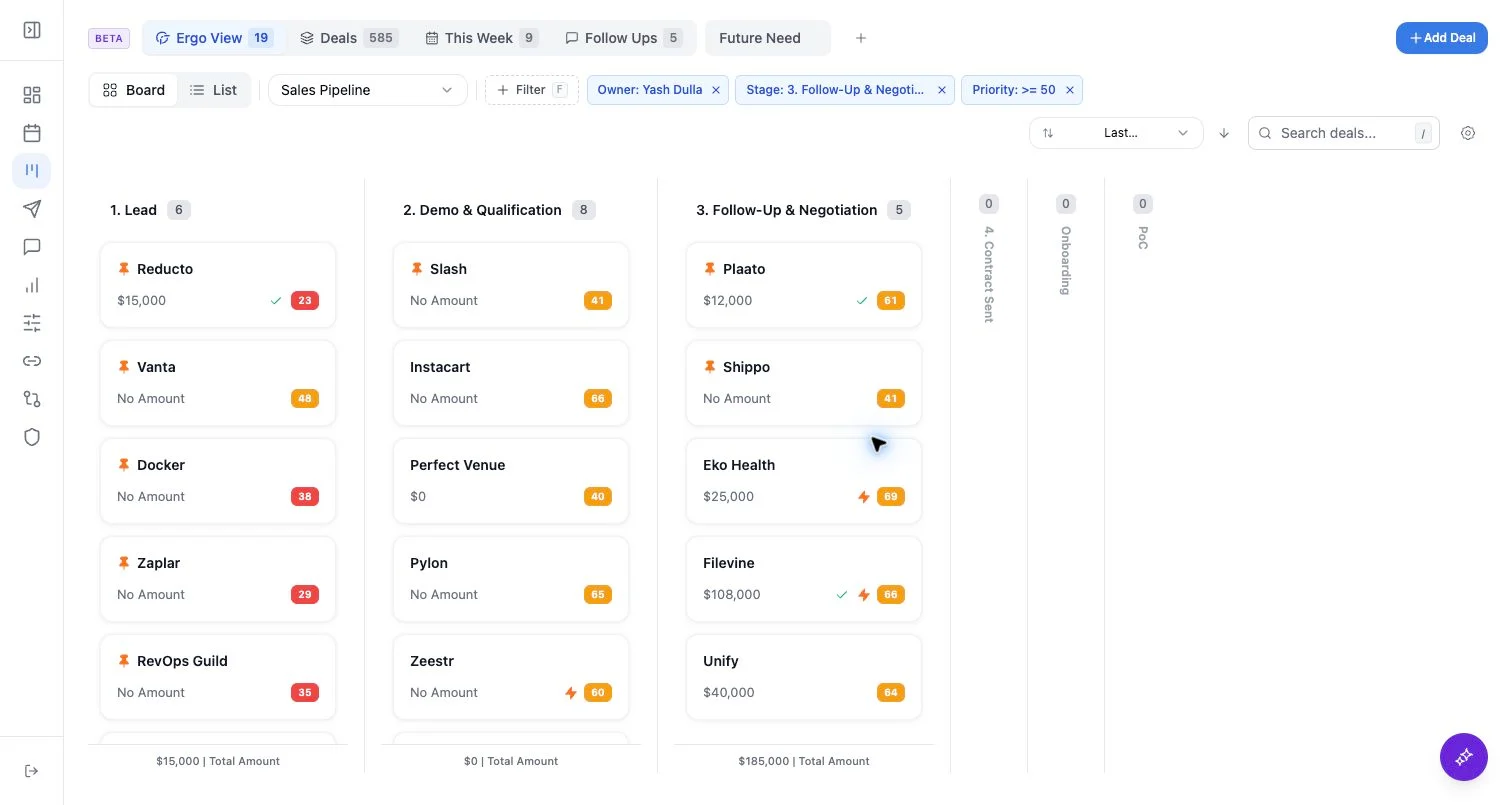
- Use Follow-Ups for the built-in follow-up view.
- Use reminder-oriented filters or tabs to see deals with manually set reminders.
- Review owner, recent correspondence, priority, stage status, and reminder due context when available.
- Open the deal before deciding whether to act on or change the next action.
What to expect
- Follow-up and reminder counts are scoped to the selected pipeline and view filters.
- A deal can have reminder context even when it is hidden by another filter.
- Reminder and draft queues are related workflows but should be reviewed separately.
Common issues
- You are in a pipeline that does not contain the reminded deal.
- A saved view is hiding reminders.
- The next action is stale because the latest email or meeting was not associated correctly.