Who can use this
- Sales reps, account owners, managers, RevOps, and admins working from pipeline and account context.
Before you start
- Connect CRM and complete field mapping before relying on CRM writeback.
- Check pipeline, view, filter, ownership, and record matching before assuming a record is missing.
- Confirm Deals access is enabled for your workspace; contact your admin or Ergo support if you do not see it.
Steps
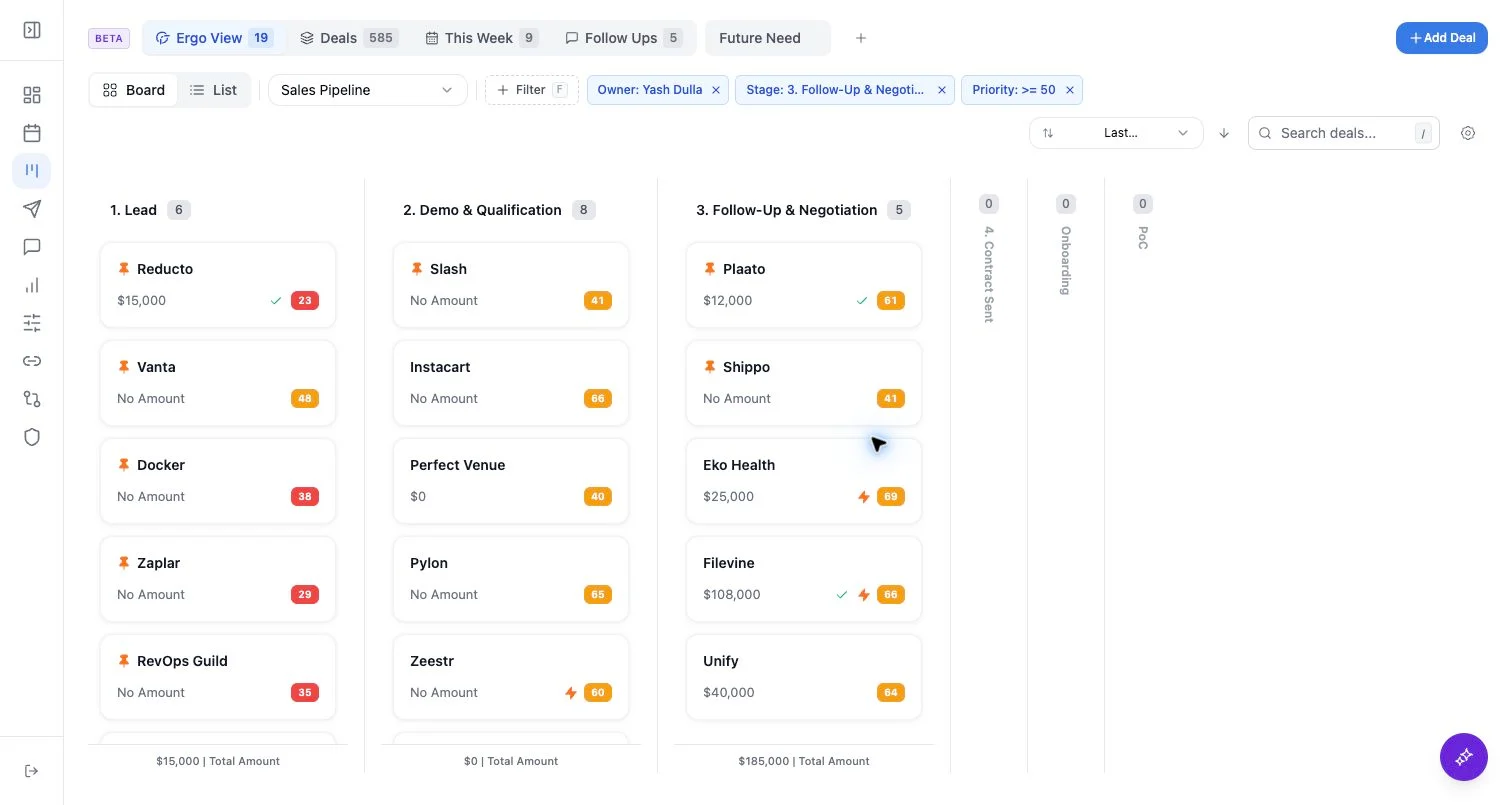
- Open a deal from kanban or list view.
- Review the sidebar fields, activity timeline, deal info, emails, and meetings.
- Use the right rail for company and contact context.
- Draft follow-up from the deal only after checking recent emails and meetings.
- Edit fields only when they are mapped and intended for writeback.
What to expect
- Deal detail can hide the main app sidebar and restore it when you leave.
- Custom deal tabs are local layout helpers for organizing selected fields; they are not a CRM object model.
- Email, meeting, and activity context appears when it is available to Ergo and matched to the deal.
Common issues
- The deal ID no longer exists in Ergo’s CRM-backed data.
- Activity is attached to the company or contact but not the deal.
- Field customization hides a field you expected to see.