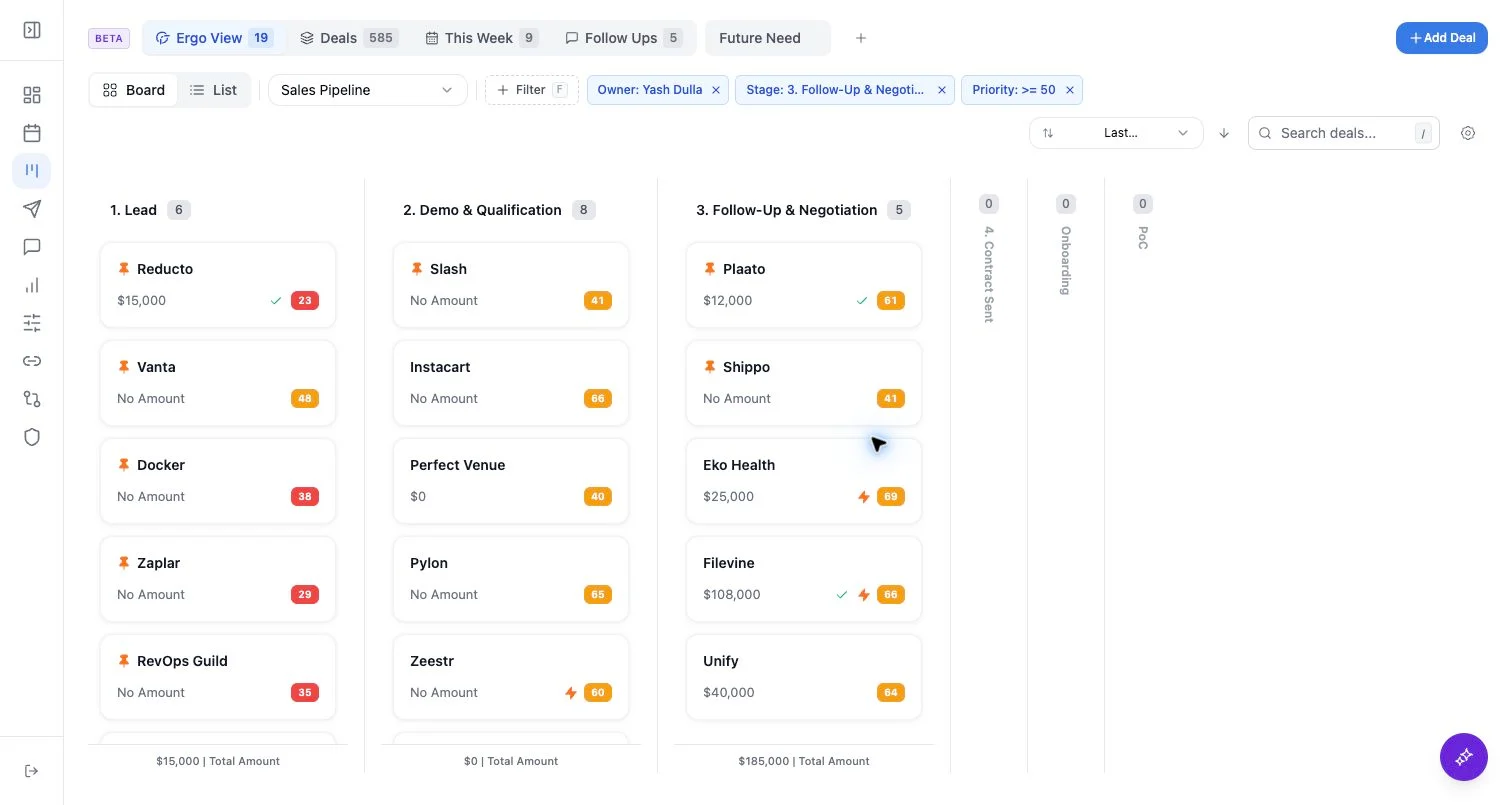
Who can use this
- Sales reps, account owners, managers, RevOps, and admins working from pipeline and account context.
Before you start
- Connect CRM and complete field mapping before relying on CRM writeback.
- Check pipeline, view, filter, ownership, and record matching before assuming a record is missing.
- Confirm Deals access is enabled for your workspace; contact your admin or Ergo support if you do not see it.
Steps
- Select Companies from the Deals selector.
- Review company cards or list rows for account context.
- Search, sort, and filter by supported company fields.
- Open a company to inspect available activity, emails, meetings, health, AI overview, contacts, and related deals.
What to expect
- Companies are separate from deal pipeline selection.
- Company fields depend on CRM ingestion and mapped company properties.
- Company-level context may reveal activity that is not attached to the deal you were viewing.
Common issues
- You are still on a deal pipeline rather than Companies.
- Company domains or aliases are incomplete.
- Company custom fields are not mapped.