Who can use this
- Sales reps, account owners, managers, RevOps, and admins working from pipeline and account context.
Before you start
- Connect CRM and complete field mapping before relying on CRM writeback.
- Check pipeline, view, filter, ownership, and record matching before assuming a record is missing.
- Confirm Deals access is enabled for your workspace; contact your admin or Ergo support if you do not see it.
Steps
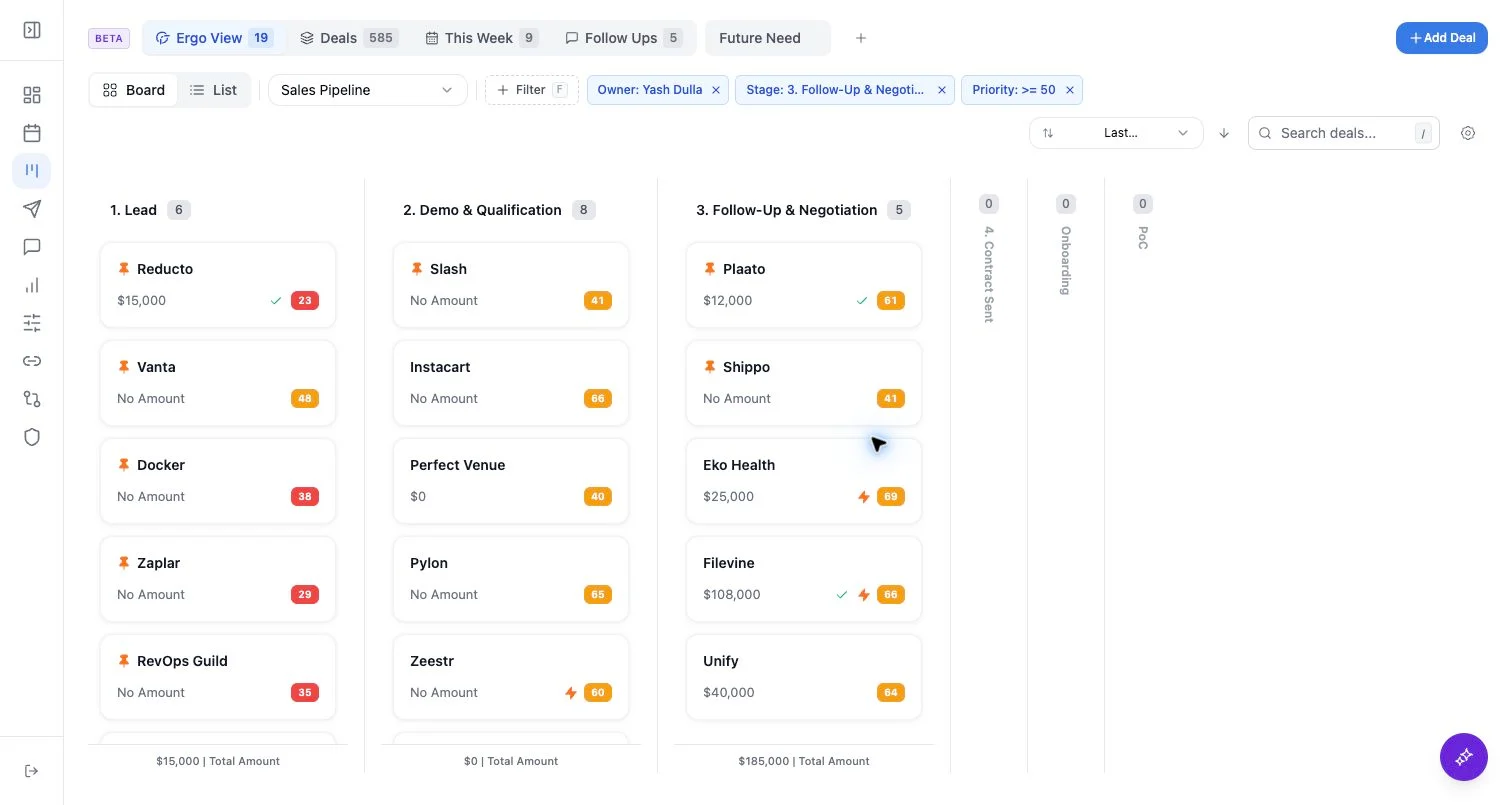
- Select the deals that need follow-up.
- Choose Generate Drafts for email drafts.
- Add optional prompt instructions that apply across all selected drafts.
- Review each draft, recipient, thread, and source context before sending.
What to expect
- Bulk generation queues drafts for selected deal IDs in Ergo’s draft review flow.
- The optional prompt is shared across the selected batch; use a narrow selection when the prompt should be specific.
- Draft quality depends on associated meetings, emails, CRM fields, and connected activity.
Common issues
- A selected deal has no associated contact email.
- Recent source context is missing or attached to a different record.
- The selected deals need different prompt instructions.