Who can use this
- Sales reps, account owners, managers, RevOps, and admins working from pipeline and account context.
Before you start
- Connect CRM and complete field mapping before relying on CRM writeback.
- Check pipeline, view, filter, ownership, and record matching before assuming a record is missing.
- Confirm Deals access is enabled for your workspace; contact your admin or Ergo support if you do not see it.
Steps
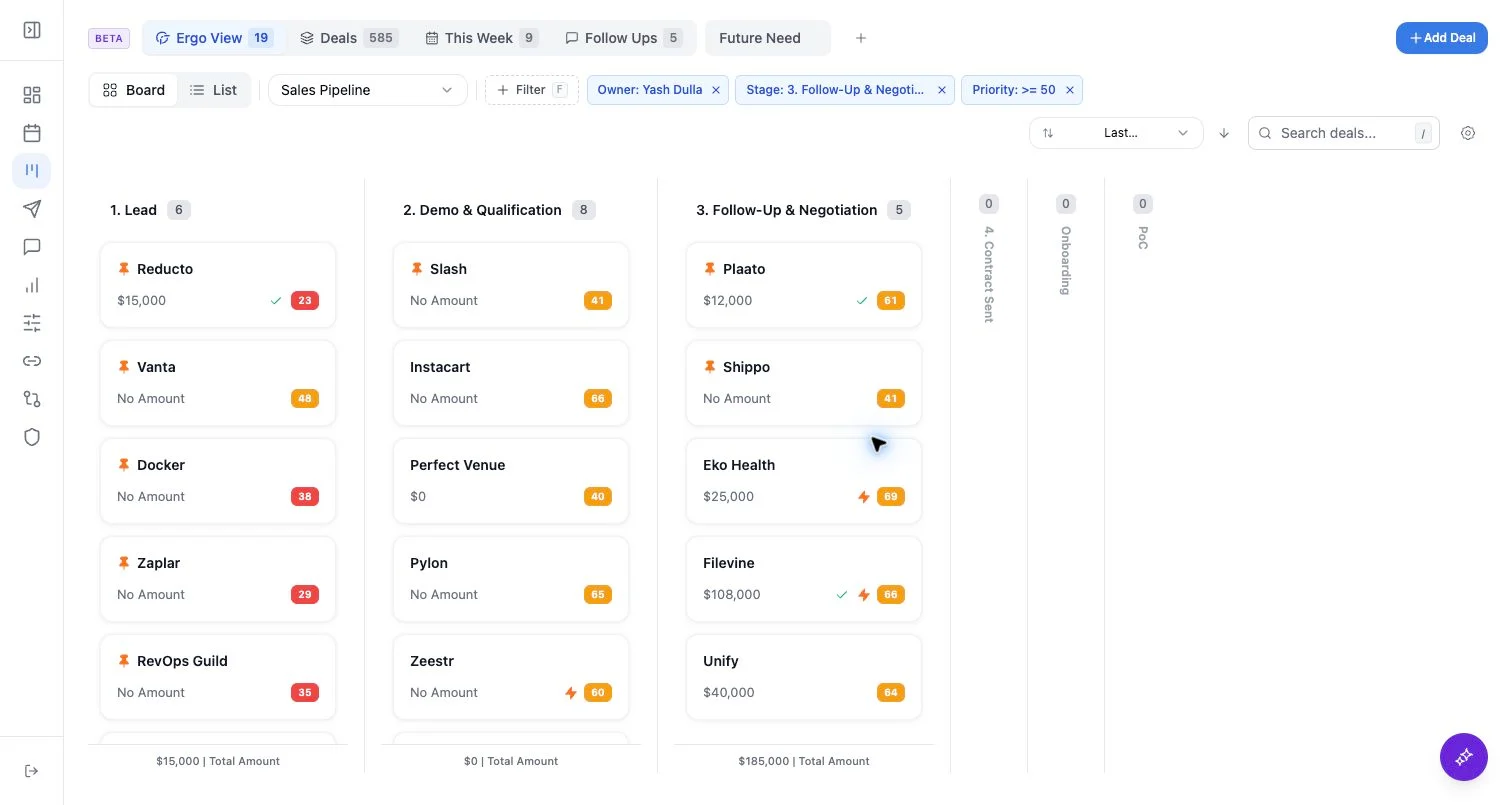
- Select deals from kanban or list view.
- Move selected deals to another available stage in the current pipeline.
- Assign an owner, change close dates, or generate email drafts where available.
- Review the selected count and target action before confirming destructive or broad updates.
What to expect
- Bulk stage and owner actions depend on pipeline scope, CRM permissions, and CRM-backed write behavior.
- Broad updates should be reviewed carefully; filtered views can make selection context easy to misread.
- Bulk-generated drafts are queued for review and should not be treated as sent.
Common issues
- Selection includes records from the wrong filtered view.
- The target stage is disabled or not part of the selected pipeline.
- CRM permissions or field mapping prevent the update.