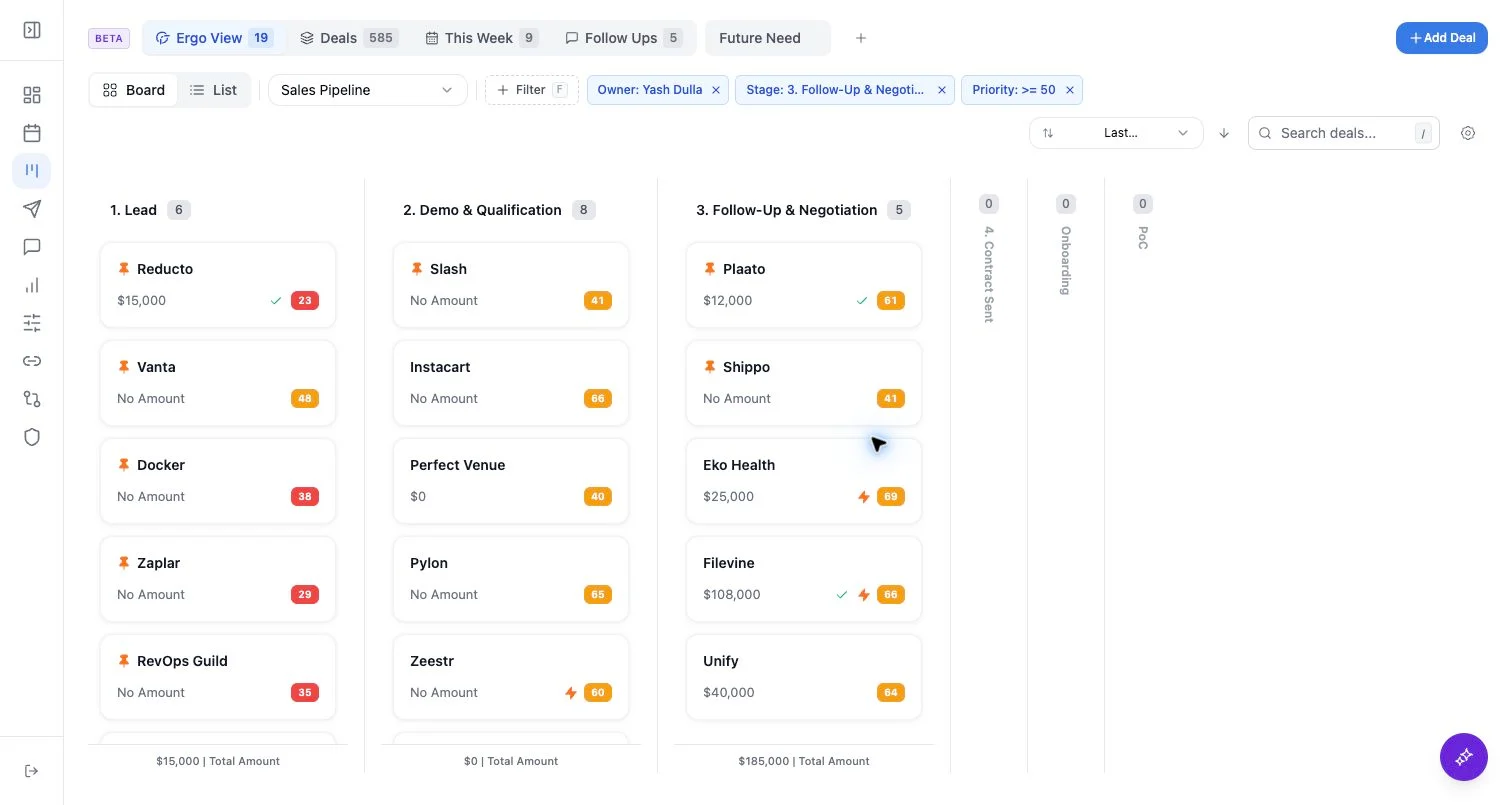
Who can use this
- Sales reps, account owners, managers, RevOps, and admins working from pipeline and account context.
Before you start
- Connect CRM and complete field mapping before relying on CRM writeback.
- Check pipeline, view, filter, ownership, and record matching before assuming a record is missing.
- Confirm Deals access is enabled for your workspace; contact your admin or Ergo support if you do not see it.
Steps
- On deal detail, review activity, deal info, emails, meetings, and any custom field tabs available in your workspace.
- On company detail, review company activity, company info, emails, meetings, and related deals when available.
- Use the right rail on deal detail for linked company and contact context.
- Verify source recency before sending a draft or updating a CRM field.
What to expect
- Activity can include emails, meetings, and connected sources such as Slack when they are associated with the record.
- Emails and meetings appear when they are available to Ergo and matched to the record.
Common issues
- Activity is attached to the company instead of the deal.
- A meeting or email exists but is not associated with the CRM record.
- The source system is connected, but the item is not matched to the CRM record.