Who can use this
- Users asking about a specific deal, company, meeting, or interaction.
- Managers comparing context across records.
Before you start
- Open or mention the record you want Ergo to use.
- Confirm the user can access that record.
- Check whether recent data has synced before relying on it.
Steps
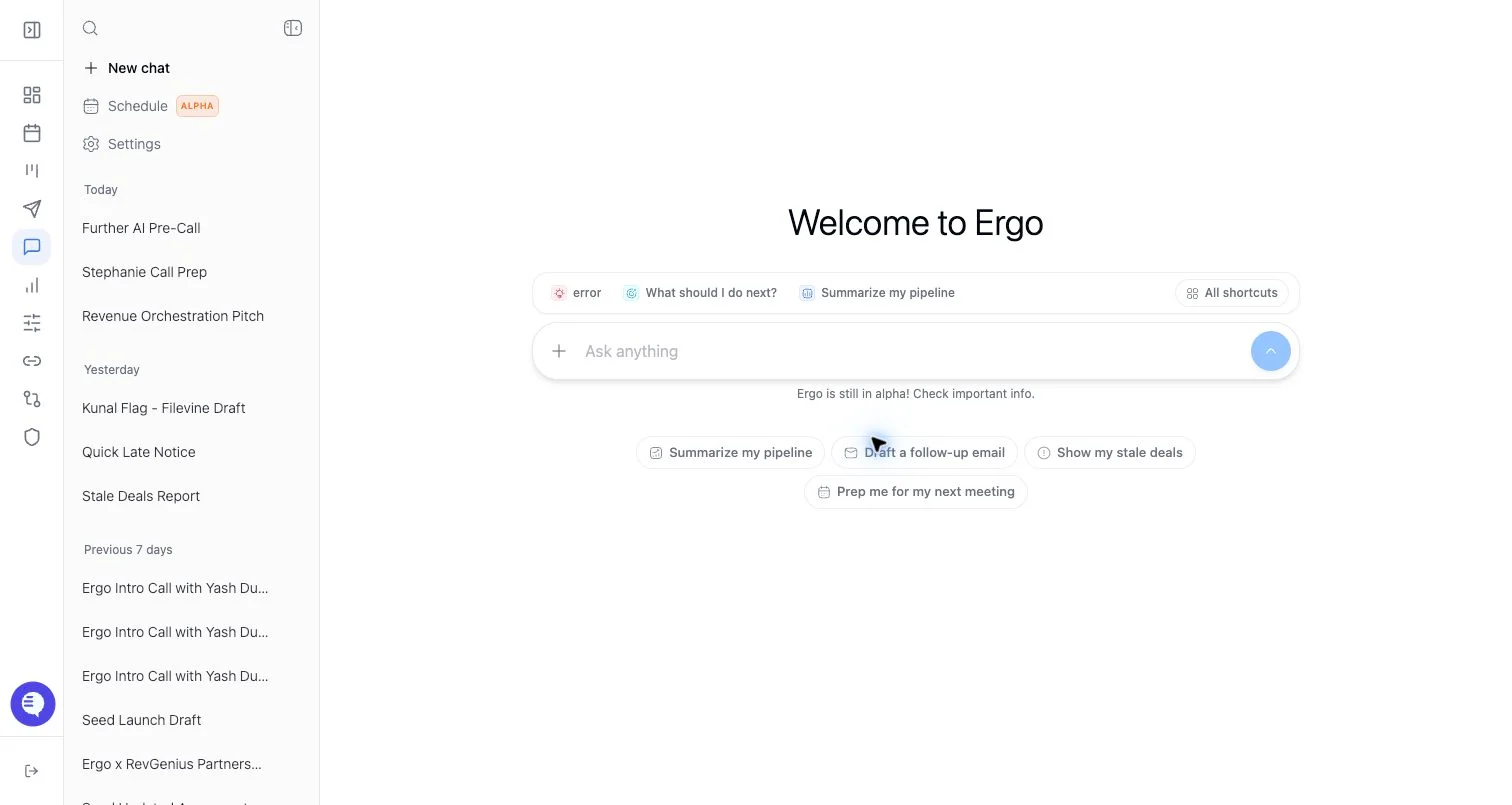
- Open chat from the deal or meeting page, or mention/select the record in chat.
- Confirm the context pill or visible record is the one you intended.
- Ask a specific question tied to that context.
- Review sources, timestamps, and proposed actions.
- Start a fresh chat when changing to a different deal or meeting.
What to expect
- Context can include meeting, deal, CRM, email, document, and Slack data when connected and accessible.
- Context switching can require a fresh chat for best results.
- Some records may have partial context if a meeting is still processing or an integration is disconnected.
- AI can summarize or propose actions from context, but the user should verify before sending or updating records.
Common issues
- A question is answered from the wrong deal or meeting.
- Recent activity has not synced yet.
- A source is missing because it is outside the user’s permissions.
- The user assumes a broad answer is scoped to the visible record when no context was selected.