Who can use this
- Users asking about deals, meetings, emails, CRM context, or documents.
- Managers reviewing pipeline or team context through AI summaries.
Before you start
- Confirm the records you expect are connected and accessible.
- Start a fresh chat when switching between unrelated deals or meetings.
- Keep private customer context out of prompts unless the user has permission to use it.
Steps
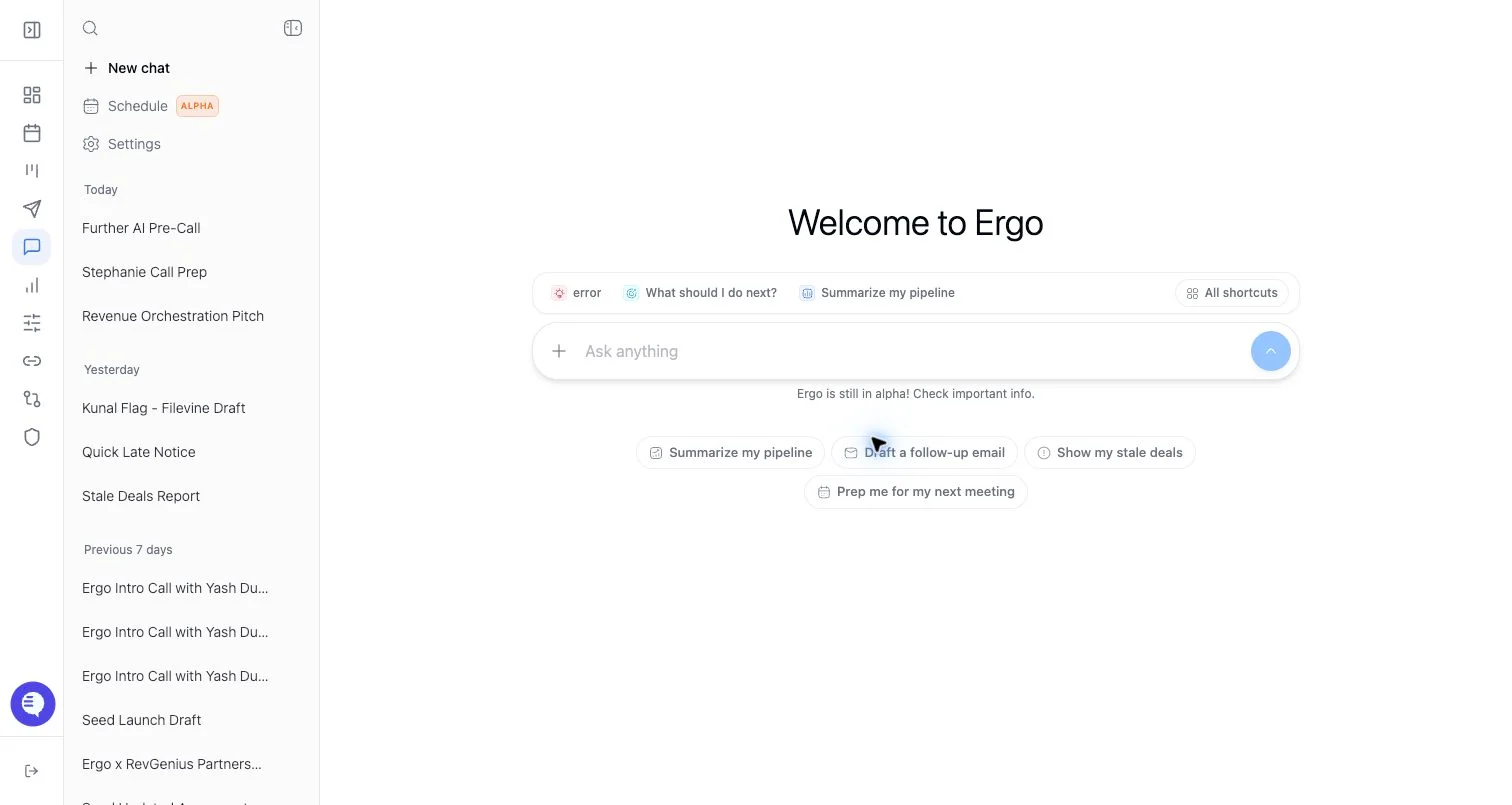
- Open Chat or the relevant agent panel.
- Ask a specific question.
- Include a deal, meeting, or other context when the answer should be scoped.
- Review sources and any action cards.
- Approve, edit, or dismiss proposed actions rather than assuming they have already happened.
What to expect
- Chat answers are limited by the sources and permissions available to the user.
- Some responses include sources, tables, draft cards, CRM action cards, or other UI blocks.
- Chat can help create drafts or propose updates, but review remains required for customer-facing copy and CRM-changing actions.
- A stale or missing source can make an answer incomplete.
Common issues
- The chat uses the wrong context because the user stayed in an old thread.
- Source data is missing, stale, or not indexed yet.
- The answer summarizes correctly but the proposed action still needs approval.
- The user asks for data outside their role or workspace access.