Who can use this
- Super admins can view and change the global meeting access setting.
- Other admins and members inherit the resulting meeting visibility behavior, but they do not manage the organization-wide switch.
Before you start
- Confirm this should apply to the whole organization, not a single team or user.
- Notify teams before broadening access to meetings they may not expect others to see.
- Review whether individual meeting grants are enough.
- Be ready to have affected users refresh meeting lists after the change.
Steps
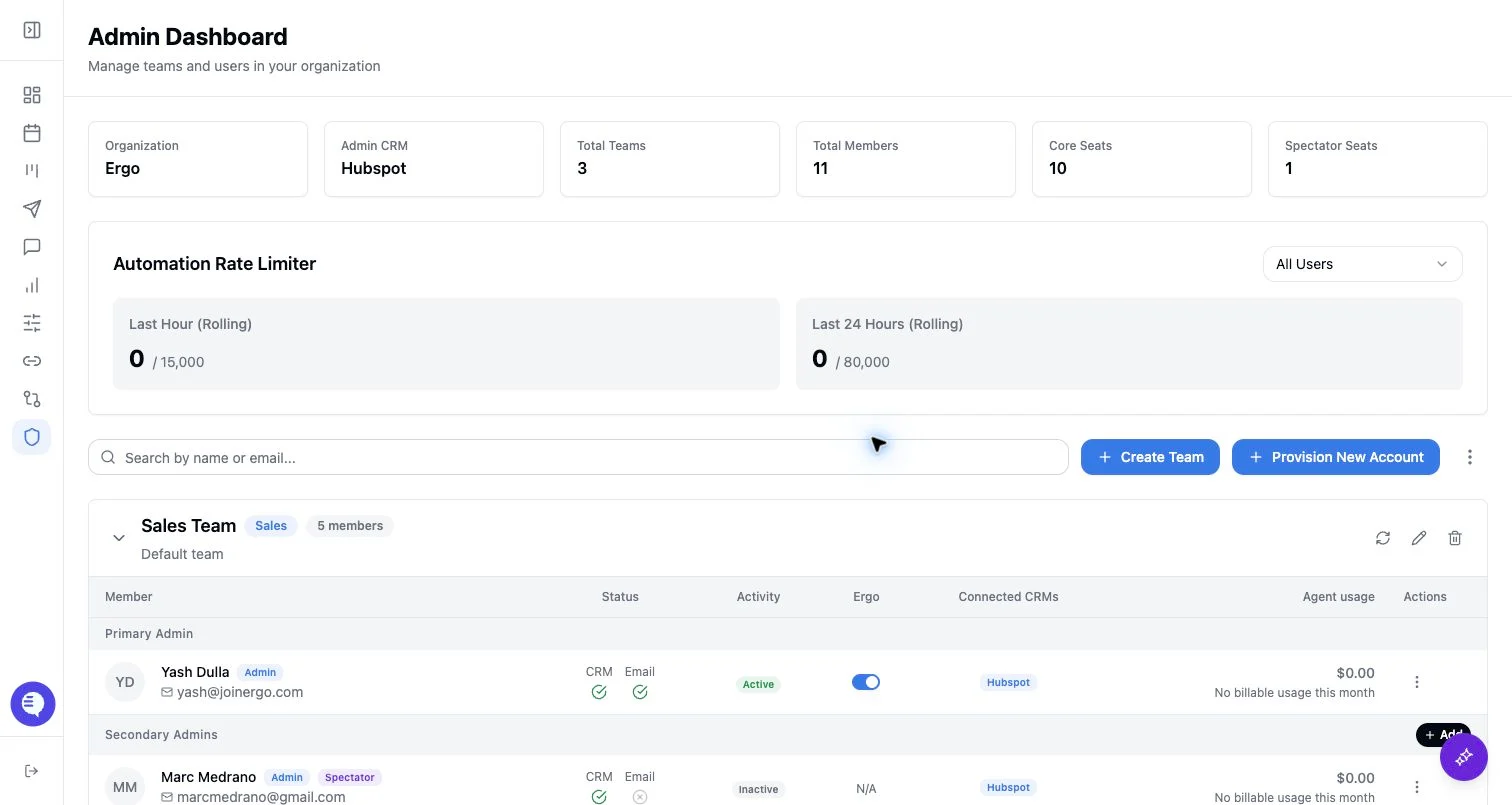
- Open Admin as a super admin.
- Find Global Meeting Access.
- Turn the switch on or off.
- Confirm the change and ask users to refresh their meeting views.
What to expect
- When global meeting access is enabled, meeting access scope resolves to organization-wide access for members.
- When it is disabled, users fall back to their normal access: owned meetings, attended meetings, team-admin visibility, and any custom meeting grants.
- The toggle invalidates meeting-related data in the dashboard so meeting lists can reload with the new scope.
- This setting affects meeting visibility. It does not grant reporting dashboard access, CRM permissions, or role changes.
Common issues
- The switch is missing. Confirm the acting user is a super admin.
- Only one user needs more access. Use meeting grants instead of enabling global access.
- A user still cannot see a report. Add reporting access separately.
- Meeting lists look stale. Refresh the dashboard after the setting changes.