Who can use this
- Admin users with access to the Admin dashboard can review usage when the usage data is available.
- Member rows can show month-to-date billable usage for that person when the usage ledger has matching data.
Before you start
- Use usage data for monitoring and investigation, not invoice reconciliation.
- Escalate contract, seat, rate, or invoice questions to your Ergo contact.
- Expect the panel to refresh periodically while the Admin page is open.
Steps
- Open Admin.
- Expand Ergo Agent Usage.
- Review the month-to-date billable total, billable turns, raw turns, and raw token totals.
- Review Top billable users - Month to date when usage exists.
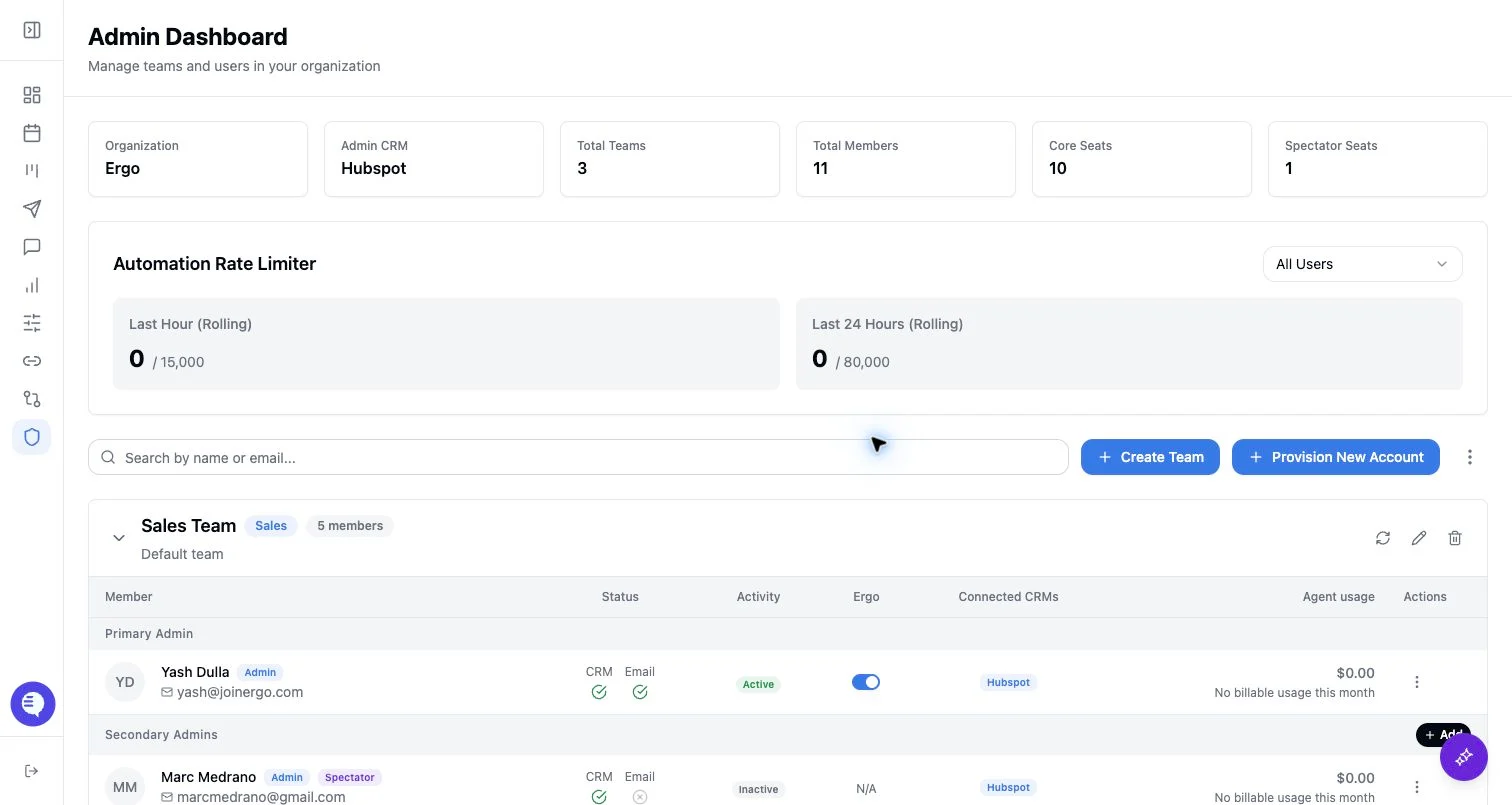
- Use the member table’s Agent usage column to inspect per-user billable usage.
What to expect
- The summary shows month-to-date billable usage from the agent usage ledger.
- The member table shows a dollar amount and billable-turn count when a user has billable usage this month.
- If there is no billable usage, the UI shows
$0.00and No billable usage this month. - If usage data is unavailable, the panel reports that Ergo Agent usage is unavailable.
- The UI uses USD-formatted estimated usage values from the usage response; actual billing terms may differ from what appears in Admin.
Common issues
- The panel is empty. There may be no billable agent usage for the current month.
- A user’s row shows no usage. The ledger may not have billable usage matched to that user ID or email.
- The panel says usage is unavailable. Retry later or contact Ergo if the issue persists.
- The numbers do not match an invoice. Treat Admin usage as operational visibility and use your contract/invoice for billing reconciliation.