Who can use this
- Super admins can view and change persona.
- Other users inherit the organization’s selected persona.
Before you start
- Confirm the workspace’s operating model.
- Change persona only when the whole organization should use the new mode.
- Review outputs after changing persona because the setting can affect how Ergo frames context.
Steps
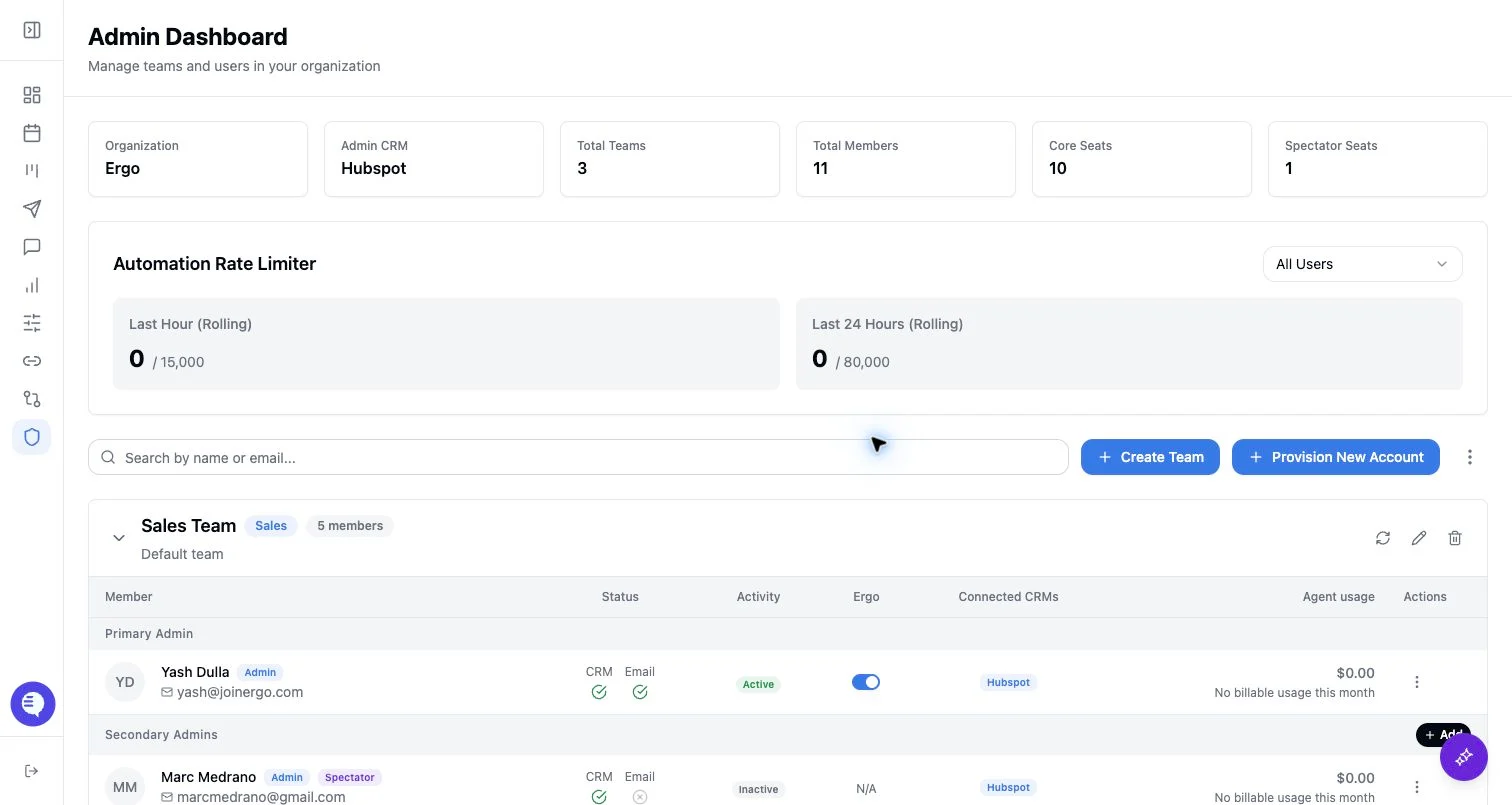
- Open Admin as a super admin.
- Find Persona.
- Select Standard Sales or Investment Firm.
- Save the change and review downstream outputs that depend on organization context.
What to expect
- Standard Sales is the default persona.
- Investment Firm is available for organizations whose workflow should be interpreted through that mode.
- Persona is saved on the organization record.
- Persona does not change user roles, CRM permissions, meeting access, or reporting access.
- Unsupported persona values are rejected.
Common issues
- The selector is missing. Confirm the acting user is a super admin.
- The wrong option was selected. Switch back to the correct persona and review recent outputs before relying on them.
- A user expected access to change. Persona does not grant permissions; update roles or access grants separately.